


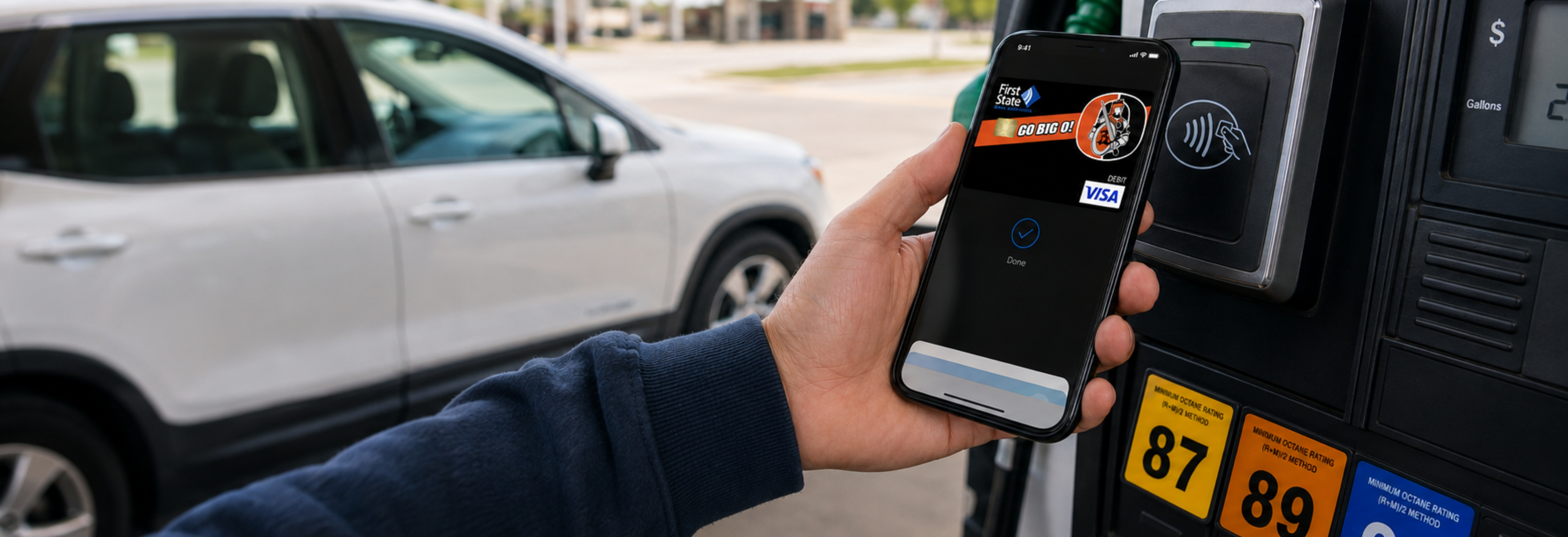
Mobile Wallets Protect Your Debit Card Better Than You Think
Many people assume paying with their phone is less secure than using a physical debit card. In reality, the opposite is often true.
Mobile wallets like Apple Pay® and Google Wallet™ are designed with multiple layers of security that help protect your information every time you make a purchase. If you've been hesitant to give it a try, here's why mobile wallet may be one of the safest ways to pay.
Your Card Number Isn't Shared
When you use your physical debit card, the merchant receives your card information to process the payment. With a mobile wallet, your actual debit card number isn't shared during the transaction. Instead, a unique digital code, called a token, is used to complete your purchase. Even if someone were to intercept that information, it couldn't be used to make purchases with your debit card. It's an extra layer of protection that works behind the scenes every time you tap to pay.
Your Phone Helps Verify It's Really You
Before a payment is approved, your phone typically requires Face ID, Touch ID, your fingerprint, or your device passcode. That means even if someone gets hold of your phone, they can't simply start making purchases. Your device is designed to verify your identity before each payment.
You Never Hand Your Card to Anyone
Think about how many times you hand your debit card to a cashier or insert it into a payment terminal. With mobile wallet, your phone stays in your hand. Simply hold it near the payment terminal, authenticate the purchase, and you're done. The fewer places your card information is exposed, the lower the opportunity for someone to copy or misuse it.
Protection Against Card Skimming
Card skimming devices can be secretly installed on payment terminals or gas pumps to capture information from physical cards. When you pay with a mobile wallet, your actual card information isn't transmitted, making skimming far less effective because there's no card data for criminals to steal.
What If You Lose Your Phone?
The good news is your debit card information isn't stored in plain view on your device. You can also remotely lock or erase your phone using tools like Find My iPhone® or Find My Device, helping keep your information secure until you recover your phone or replace it. In many cases, a lost phone is actually easier to secure than a lost wallet.
Convenience Comes with Security
Beyond added protection, mobile wallets make everyday purchases faster and easier. Whether you're grabbing coffee, filling up your gas tank, grocery shopping or dining out, you can pay with a quick tap of your phone or smartwatch, no digging through your wallet required.
It's Not Just for In-Store Purchases
Mobile wallet isn't just for tapping to pay at the checkout counter. You can also use it when shopping online or making purchases in many of your favorite apps. Instead of entering your debit card number, expiration date and security code every time you check out, simply choose Apple Pay® or Google Pay™ when available. Your payment information is securely provided without exposing your card number, making checkout faster and helping protect your financial information.
Adding Your Debit Card Is Easy
You can add your First State debit card to your mobile wallet in just a few taps through our mobile banking app.
- Log in to the First State Mobile Banking App.
- Tap ‘Cards’ in the bottom navigation.
- Select the debit card you'd like to add and tap ‘Add to Apple Pay®' or 'Google Pay' (depending on your device).
- Follow the on-screen prompts to complete the setup.
Once your card is added, you'll be ready to make fast, secure, contactless purchases anywhere mobile wallet is accepted even online!
Ready to Give It a Try?
If you have questions or need assistance, stop by your local First State branch. We'll be happy to help you get set up.
Tap. Pay. Be on your way.
0 comments